1. Weekly Show Schedule
By entering your weekly show schedule in the Rotato editor, you can activate various real-time Rotato features. To begin, simply click the button on the toolbar to open the Schedule screen.
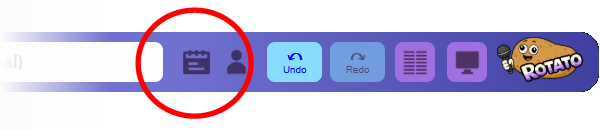
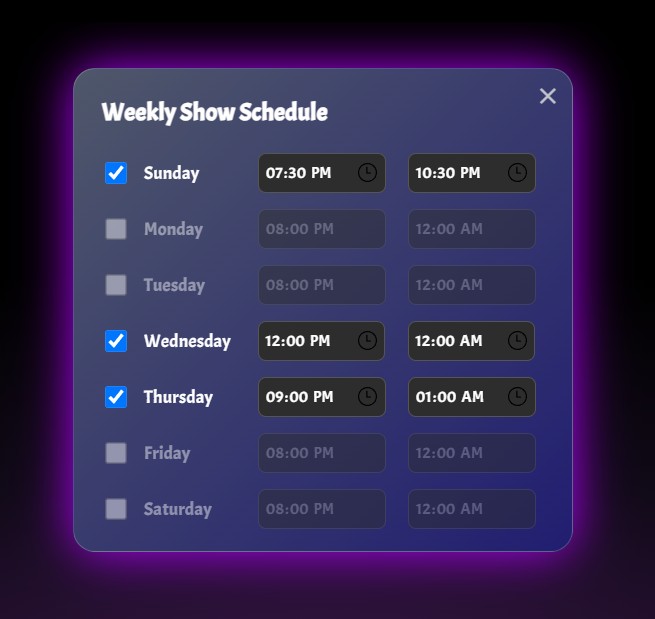
From this screen, you can indicate which days you have shows, and when each of those shows starts and ends. Your schedule is automatically stored on the Rotato server. You can also come back to this screen at any time to make changes.
2. Show Reminders
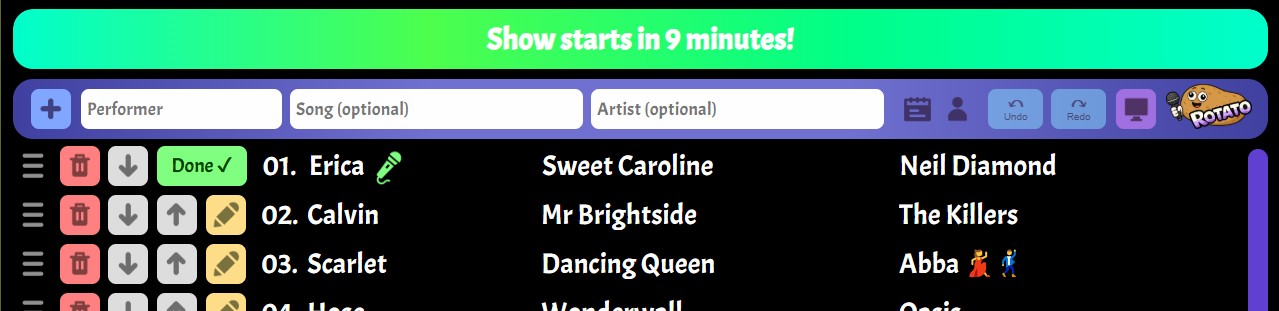
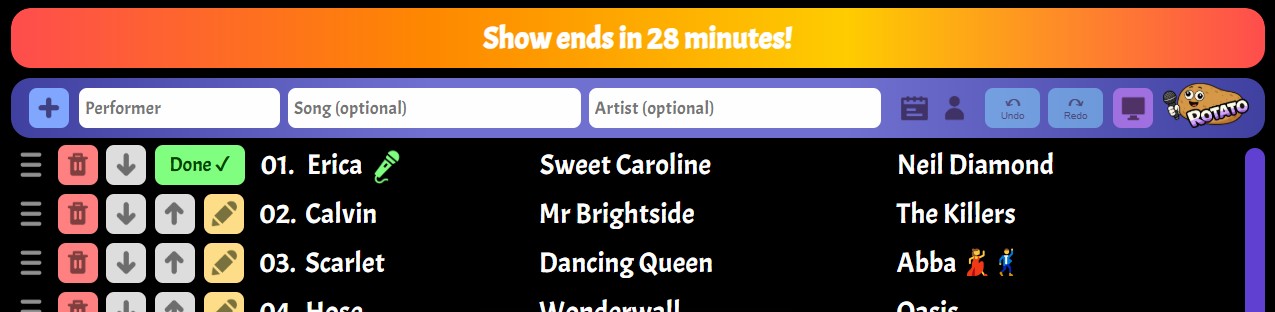
Once your schedule is set up, Rotato will automatically display a reminder during the 15-minute period before the start of each show, and the 30-minute period before the end.
3. The "Red Tide"
An important part of any show is keeping an eye on the length of the queue as the end of the show approaches. In order to manage performer and audience expectations, hosts may need to limit new requests, re-prioritize existing entries, or even whittle down the list to just those songs that will fit in the time remaining.
To help hosts keep abreast of any potential overrun of the queue beyond the show's end time, Rotato has a feature we affectionally call the "Red Tide". This is a fuzzy red region that creeps up the list as the show draws to a close. Any songs in the red area are considered "at risk".
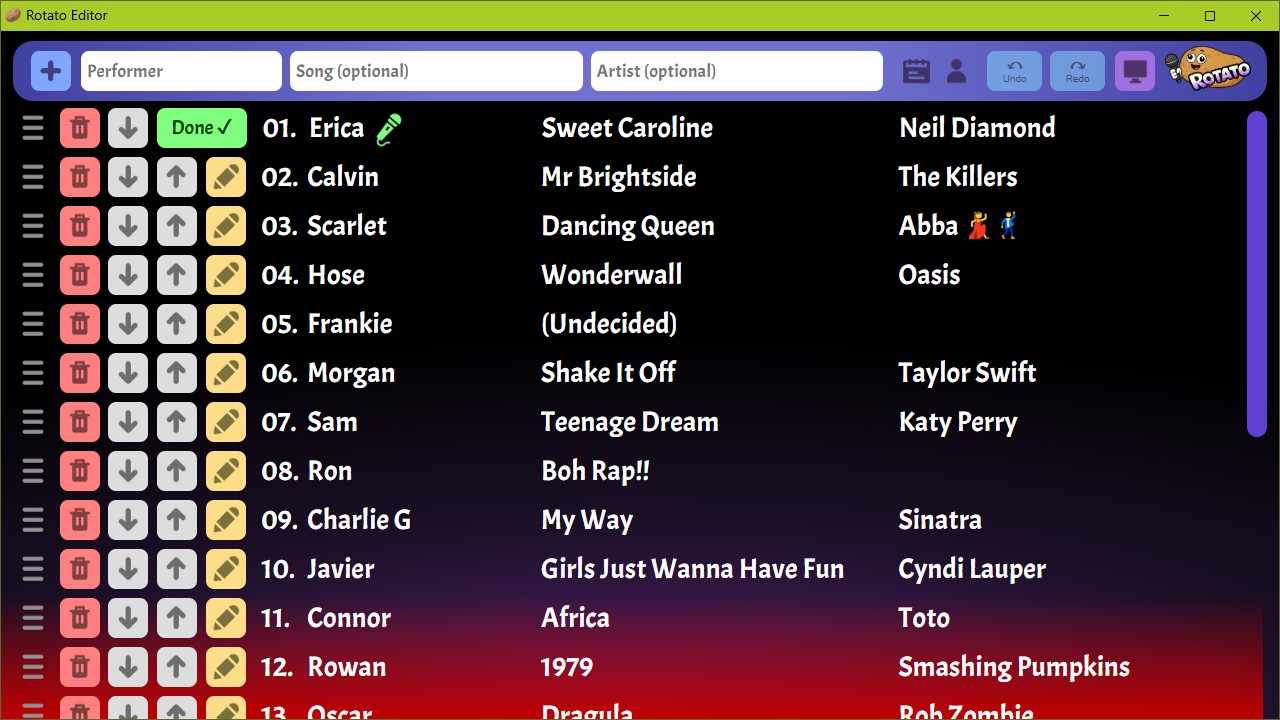
Rotato decides where this tide mark appears by comparing the end time of the show against an estimated length of the show remaining. For this estimate it uses an average song length of 4½ minutes (4 minutes being the commonly accepted average song length, plus a 30-second buffer to cover performer switchovers).
Sometimes you may only see a "low tide" at the bottom of the Rotato window (below). This is an early warning system, indicating that there are now songs in the red tide area, but that these songs are currently scrolled out of view. Scrolling down the queue should reveal the actual red tide.
